Product ad
Editable design
Inspect the product, price and headline on separate layers.

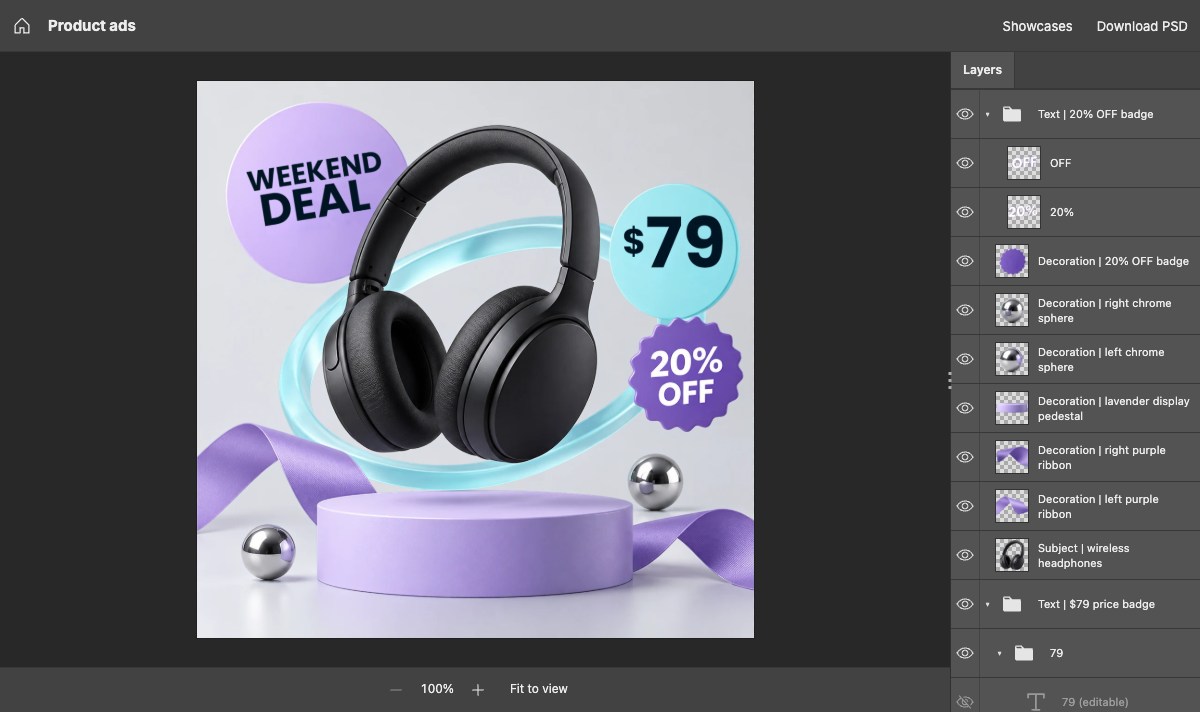

Edit subjects and backgrounds separately. Text is editable when it can be reconstructed.
USD 5 per image · One-time purchase · Layered PSD · editable text where possible
or drop a file · PNG, JPEG or WebP
By uploading an image, you agree to our Terms of Use and Privacy Policy.
Editable design
Inspect the product, price and headline on separate layers.
Spot-color printing
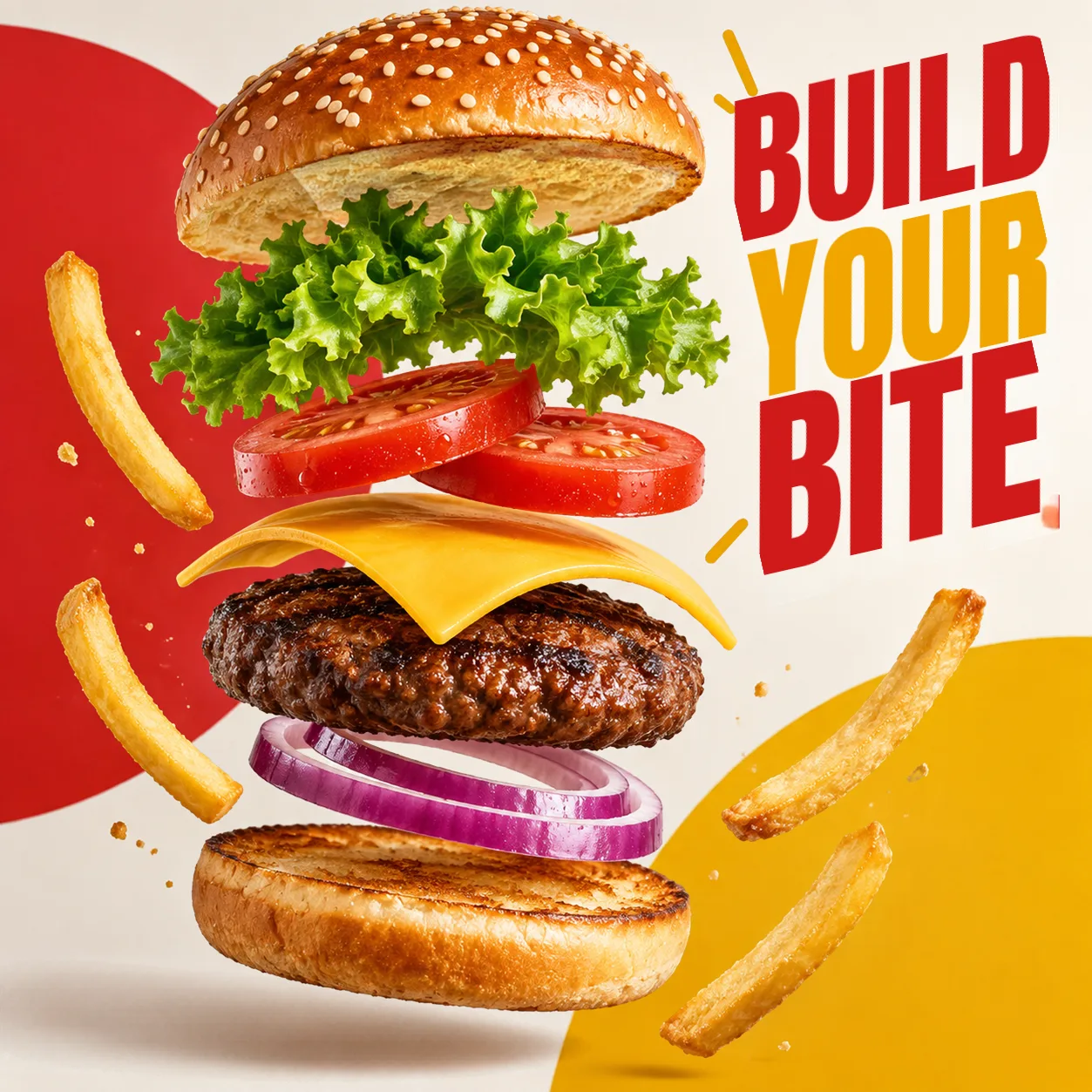
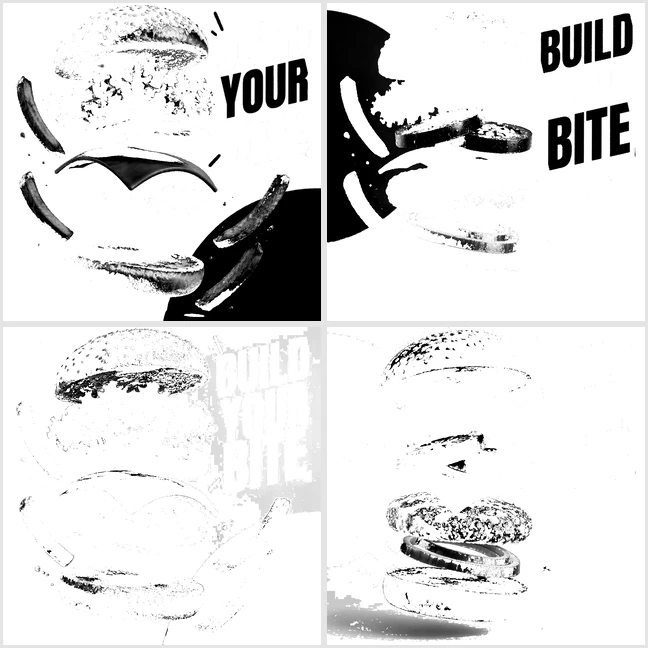
Automatic separation produced 12 inks. Each appears in the delivery as its own grayscale TIFF plate at 300 DPI.
Editable design
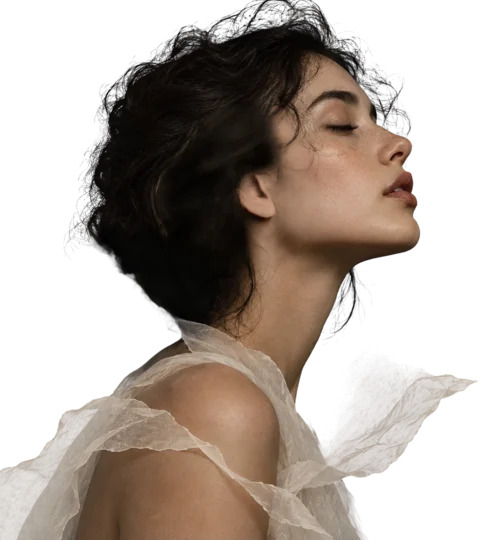
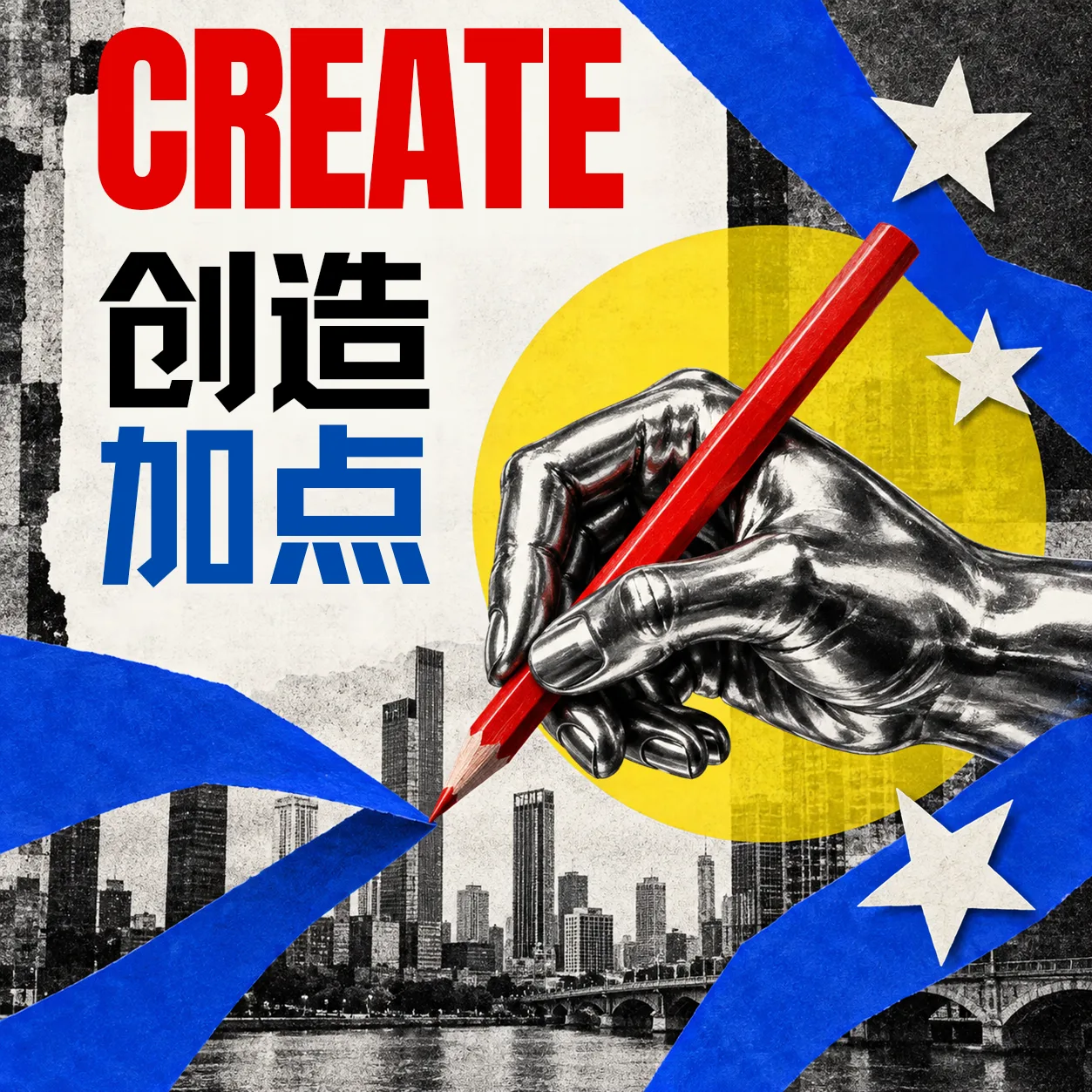
The portrait, sky and decorations are separate, and the title has an editable text layer.

Editable design
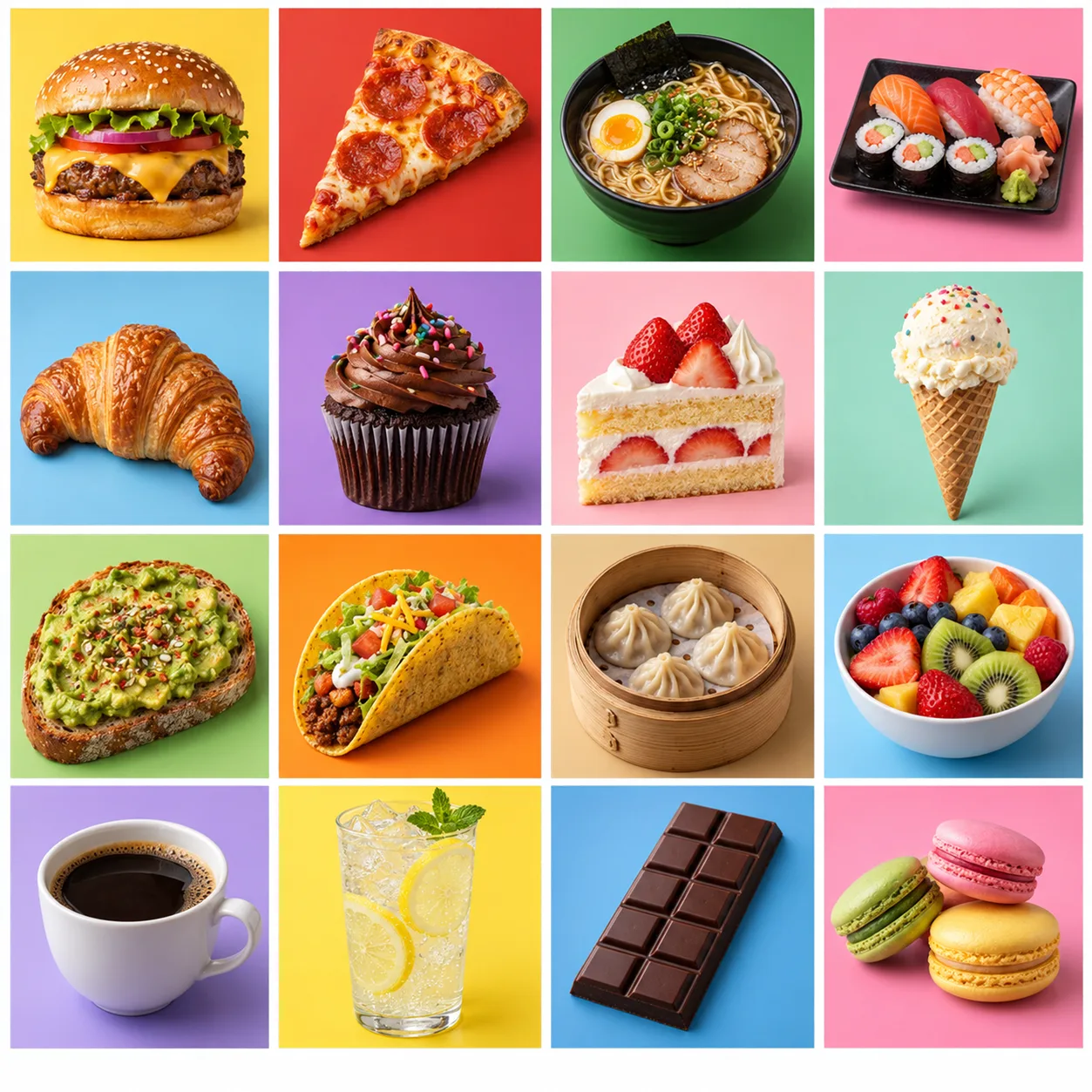
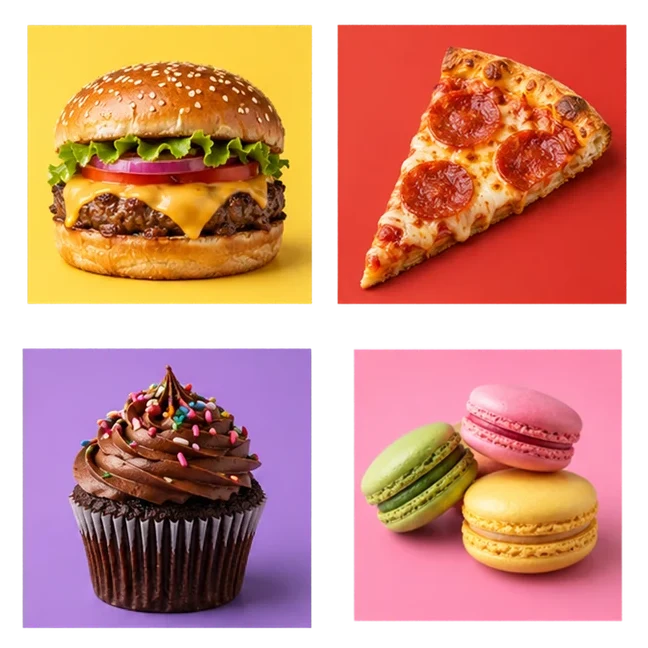
The 16 food illustrations can each be selected or moved independently.
Editable design
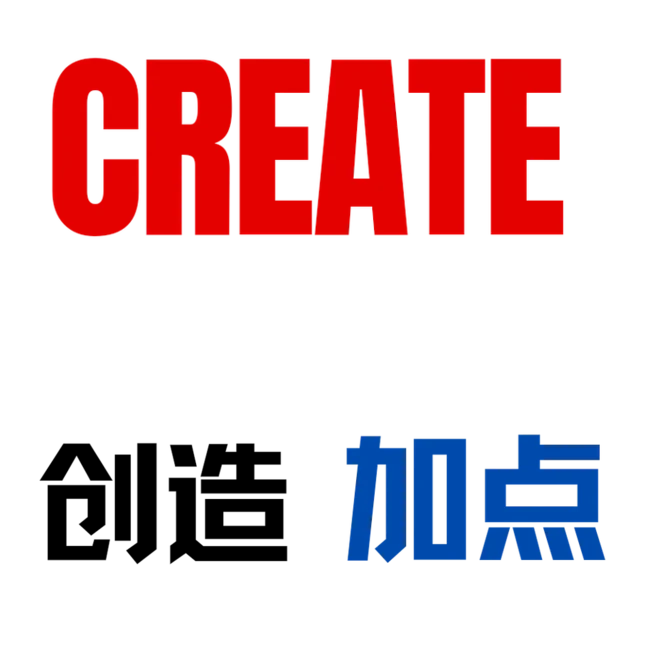
The English and Chinese lettering can be edited separately from the artwork.
Select, drop or paste an image up to 30 MiB.
Choose an output and submit your image to start processing.
Track progress in My Tasks. Pay once to download your files when they’re ready.
Change a price, swap a background or reuse an illustration. Work with individual layers in any compatible PSD editor.
Layered PSD and preview. Editable text and matching fonts when available.
Explore image to PSDSeparate artwork into ink colors for white stock. The 300 DPI plates retain the original pixel dimensions.
Layered RGB PSD preserving the original colors, plus one grayscale TIFF per ink.
See print separationUpload a PNG, JPEG or WebP up to 30 MiB. If you have the original export, use it at full resolution. Screenshots and compressed copies can blur small lettering and fine edges, making them harder to separate.
Choose Editable design to reconstruct visible parts of the image as separate PSD layers. When a subject, background or illustration is separated, you can move, hide or replace that part on its own. The delivery includes a layered PSD and a preview. Open the PSD in Photoshop or another editor that supports PSD layers.
See the 17-layer product ad example
In Editable design, successfully reconstructed lettering becomes a text layer you can retype. Small, stylized or low-contrast lettering may remain as pixels. Matched fonts are included when available, so check the delivered PSD if you need to preserve an exact typeface or layout.
How to edit text in a JPG or PNG
MagicLayers reconstructs layers from the pixels visible in your image. Hidden content, original masks, vector paths and exact fonts may be unavailable. If you still have the original editable design, use it when you need to preserve its exact layer structure.
Choose Custom and describe the changes you need, for example, replacing the background or putting the product and the headline on separate layers. This option delivers a PSD and a preview.
Spot-color printing automatically separates artwork into up to 12 inks for white stock. You receive a layered RGB PSD that preserves the original colors and a continuous-tone grayscale TIFF for each ink. The plates keep the original pixel dimensions at 300 DPI. Set halftones, trapping and any underbase in your print or RIP workflow.
Pay once per image to unlock downloads. You can pay when you submit or after you see the preview.
You can use MagicLayers as a guest. After submitting, you can leave contact details for a preview notification.
Open My Tasks to check progress and view previews. Once you’ve paid, download your files from the task page.